

Add Staff
- Web
- iPhone and iPad
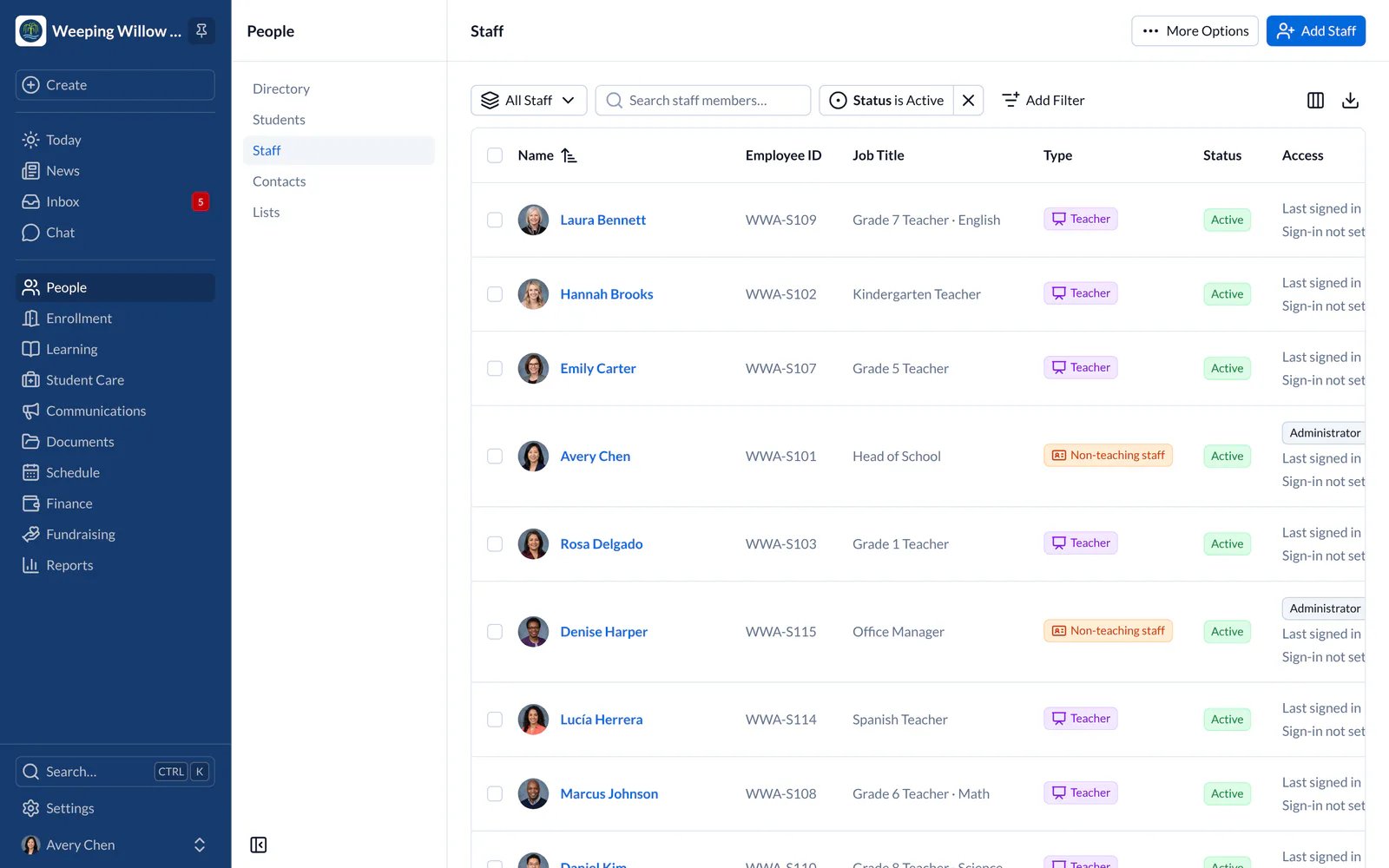
- In Staff, choose Add Staff, or import a spreadsheet to add many.
- Give each person their roles, such as Administrator, Finance or Nurse. Roles decide what they can see and do.
- Teachers get access to the classes they’re assigned.
Check or Change Roles
- Web
- iPhone and iPad
Access shows who has each role. To give different access, copy a role and change what it allows.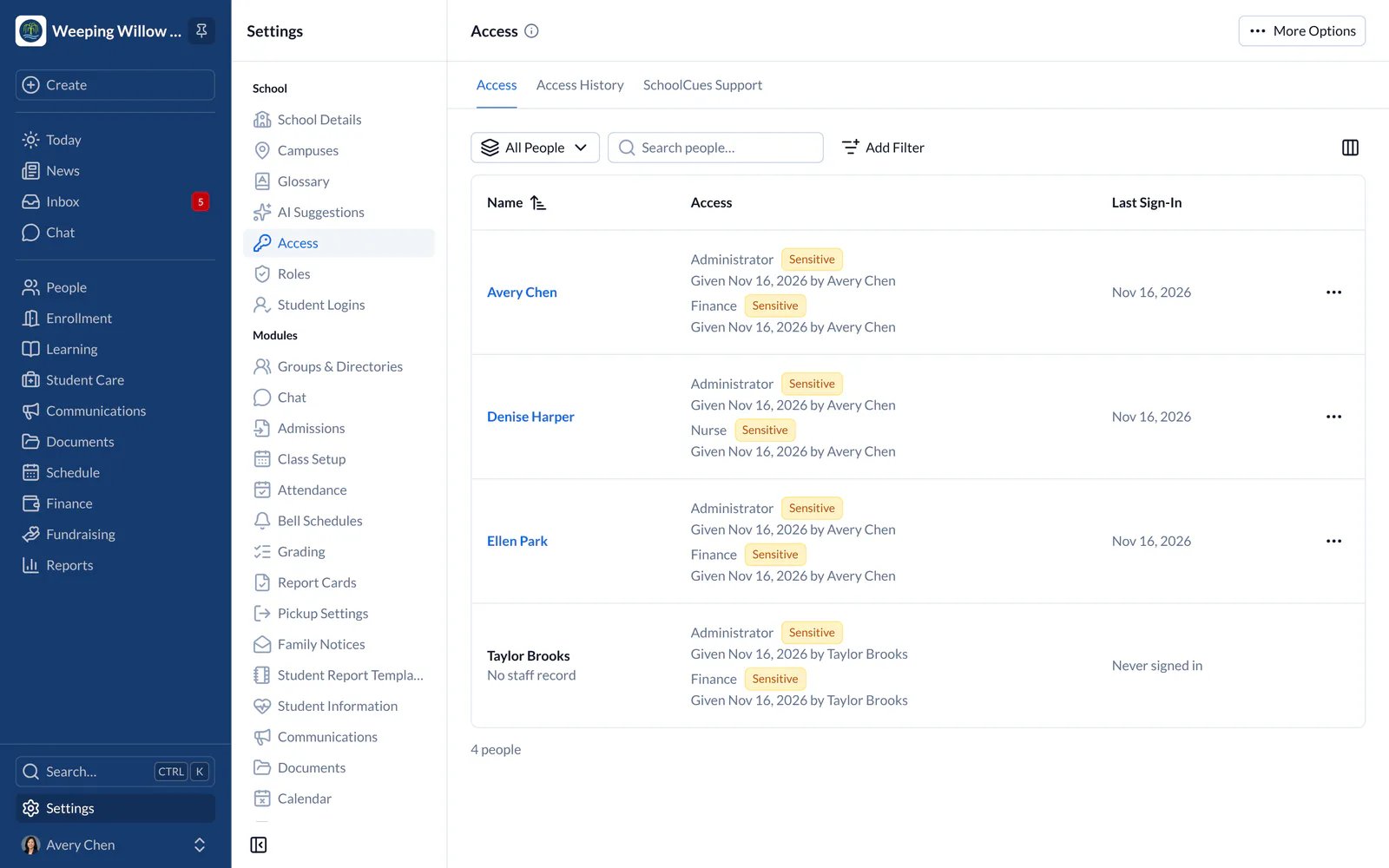
Remove Access
- Web
- iPhone and iPad
Open the person in Staff and choose Revoke School Access. Their history is kept.