

Pay
- Web
- iPhone and iPad
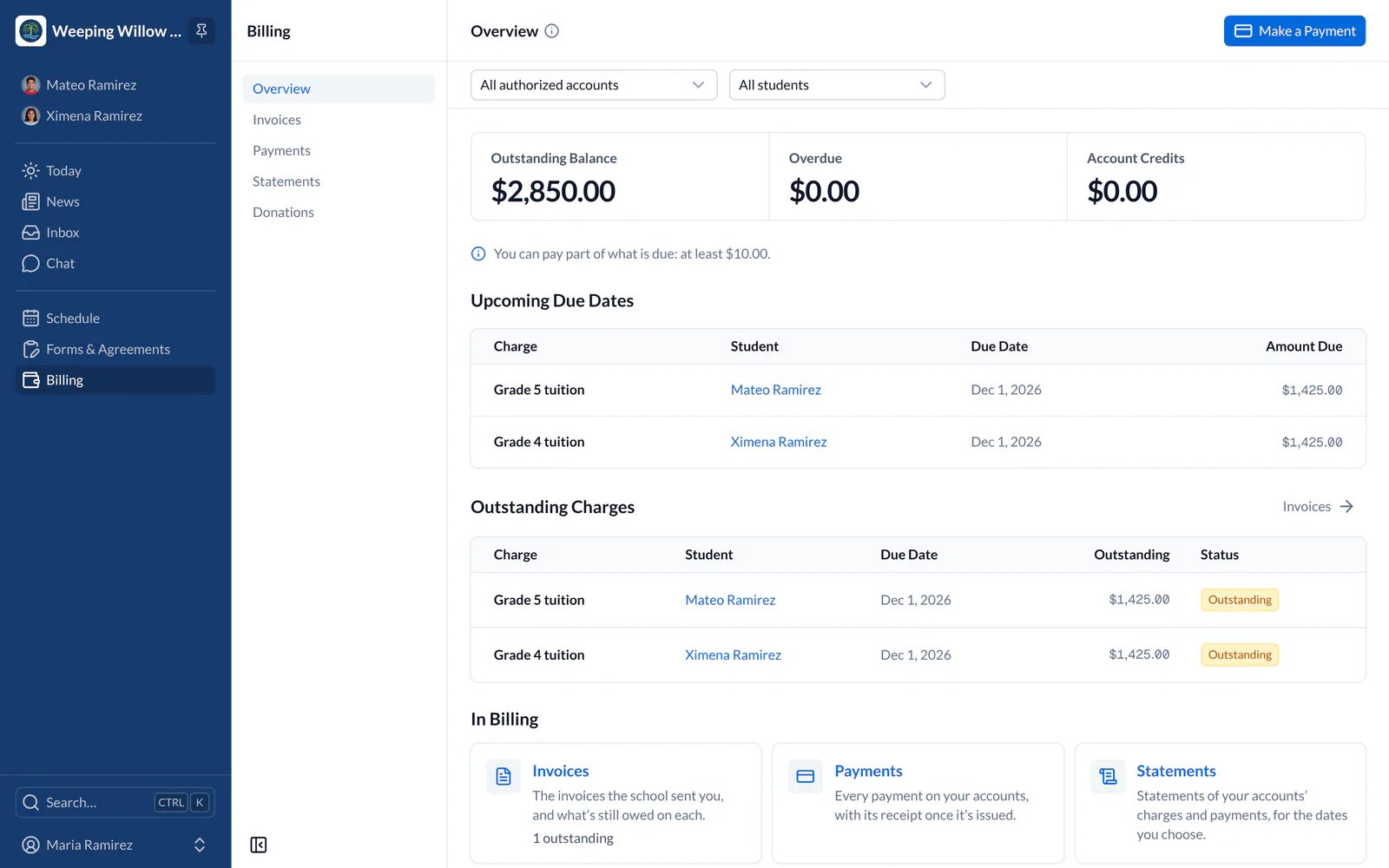
- Open Billing to see what you owe and when it’s due.
- Choose Make a Payment and the invoices to pay.
- Pay by card or bank account on Stripe’s secure page.
Autopay
- Web
- iPhone and iPad
If your school offers it, turn on autopay in Billing and save your card or bank account.
Receipts and Statements
- Web
- iPhone and iPad
Receipts, statements and tax statements are in Billing, under Payments and Statements.