

See Your Child’s Details
- Web
- iPhone and iPad
Choose your child on Today, then the Student Information tab. It shows the health, consent and family details the school keeps, such as allergies, medications, emergency contacts and photo permission.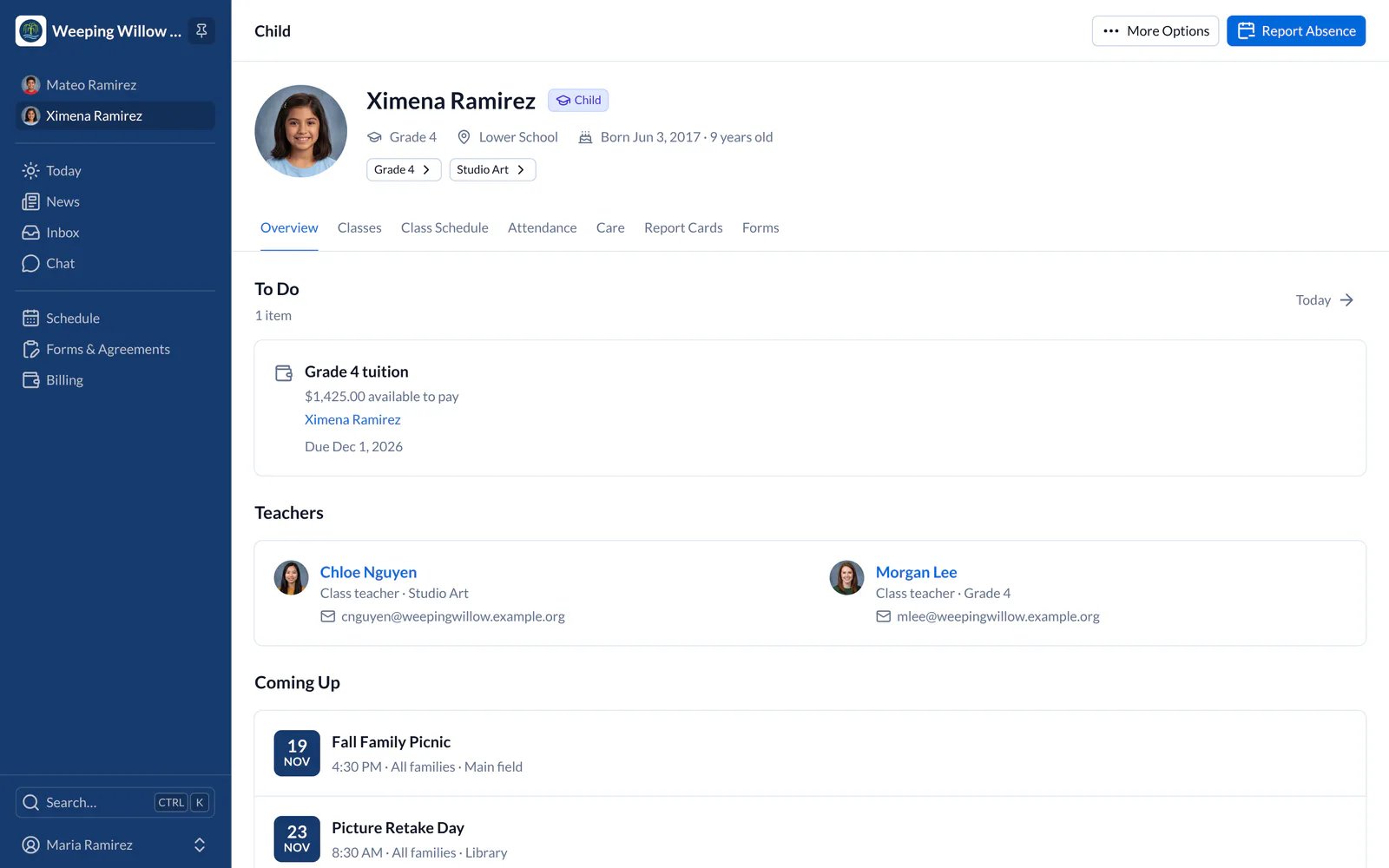
Change Something
- Web
- iPhone and iPad
- When the school asks you to check your child’s details, open the request in Forms & Agreements.
- Change anything that’s different. Your answers save as you go.
- Submit it. The school checks your changes before they appear.
- If something changes and the school hasn’t asked, contact the school.