

Change It
- Web
- iPhone and iPad
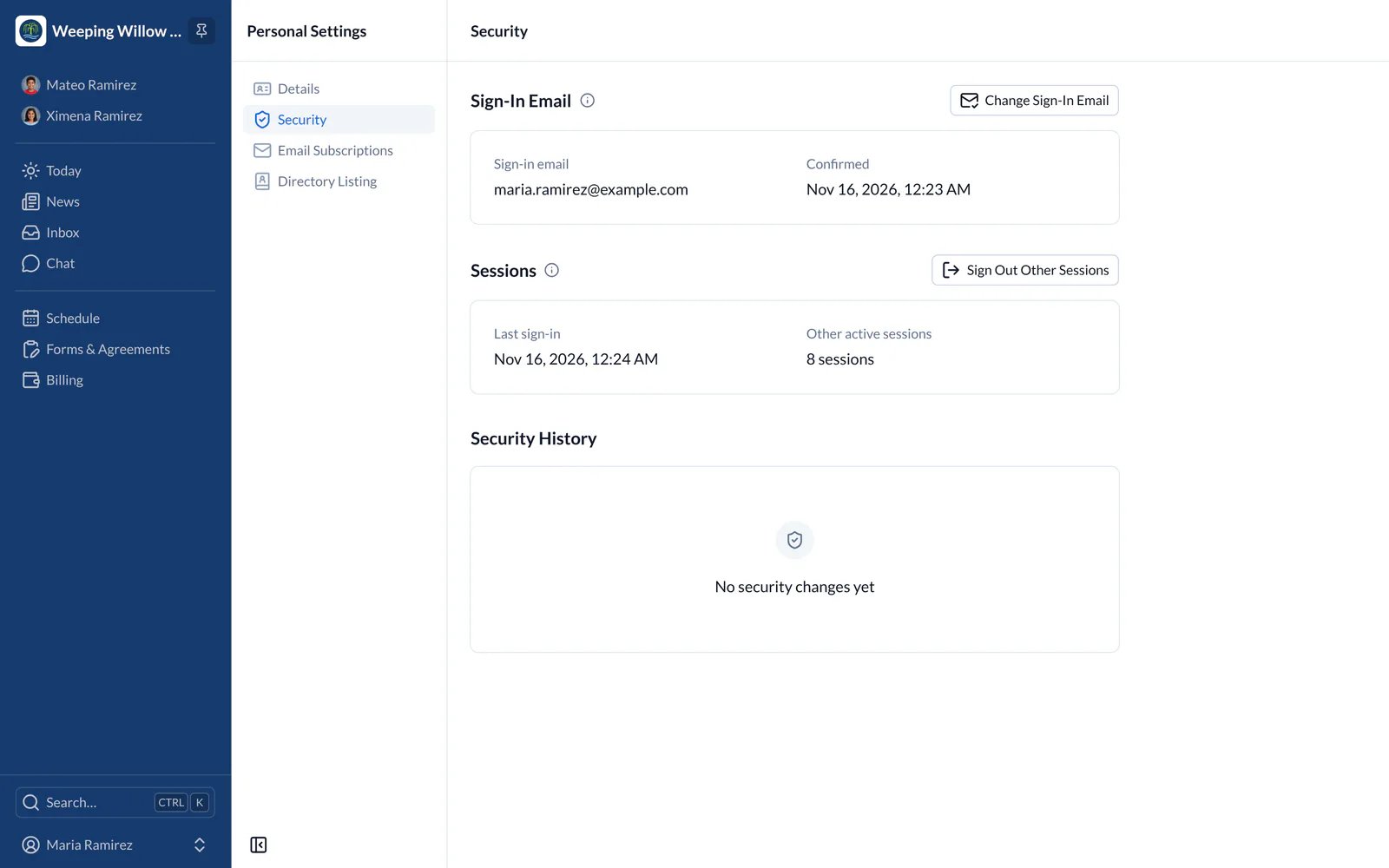
- Go to Personal Settings › Security and choose Change Sign-In Email.
- Type the new address and choose Send Confirmation Link.
- Choose the link in the email we send to the new address, within 24 hours.
Good to Know
Your schools email you at this address too. An address can belong to only one person. Once you confirm, you’re signed out on your other devices.Didn’t Ask for a Change?
- Web
- iPhone and iPad
Open Security, cancel the change and choose Sign Out Other Sessions.