

What It Is
SchoolCues Classic is the previous version of SchoolCues, with the pages and menus you know, now running on the new SchoolCues. Schools that used the previous version start on it, so nobody has to learn a new layout on day one. Classic and the new SchoolCues share the same records, so nothing is copied or lost.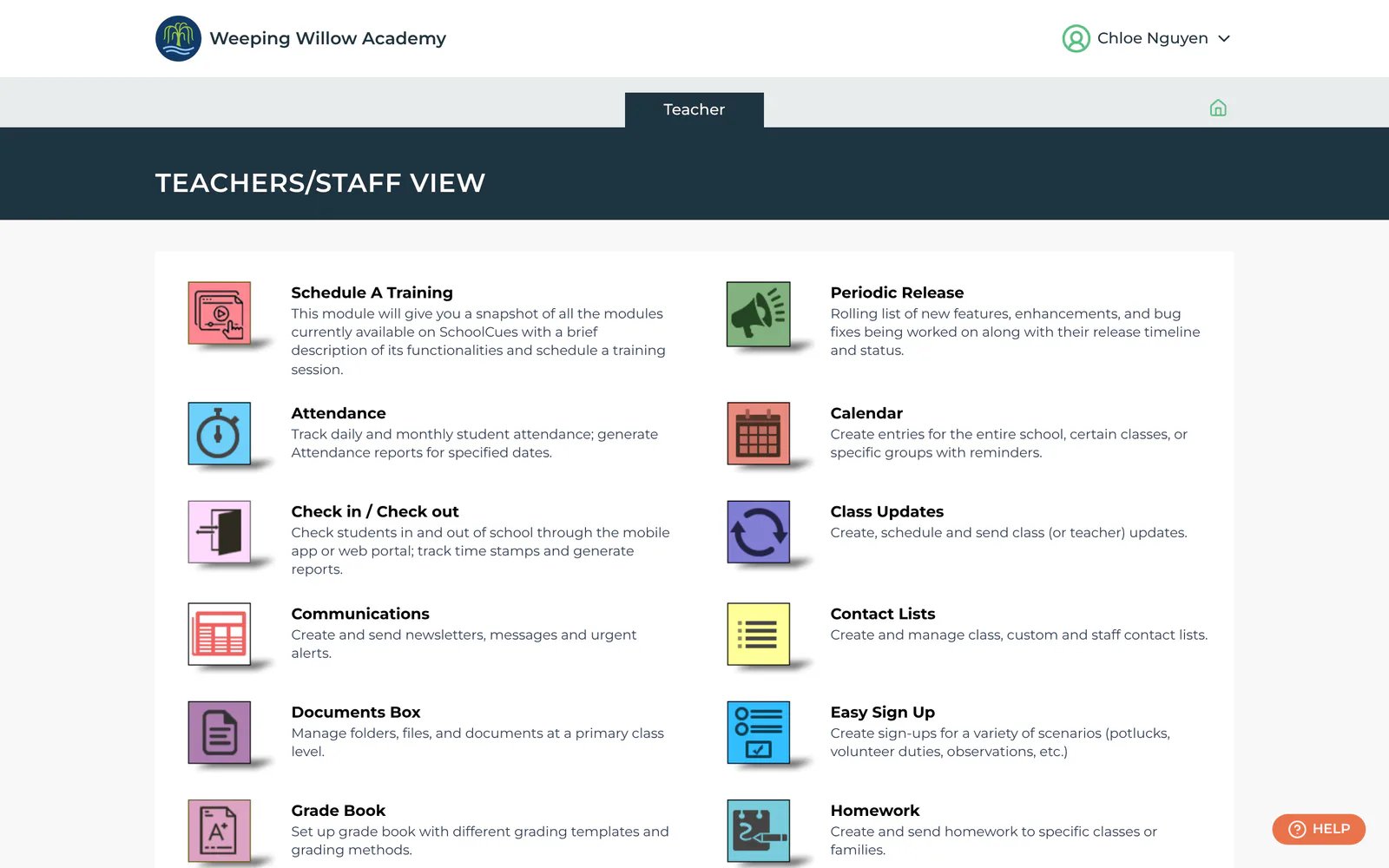
Are You Using It?
- Web
- iPhone and iPad
If you see a tile for each module under a Teacher, Parent or Admin tab, as in the picture above, and the web address has /classic in it, you’re on SchoolCues Classic. The new SchoolCues opens on Today, with a main menu down the left.