

Read the News
- Web
- iPhone and iPad
React or Reply
- Web
- iPhone and iPad
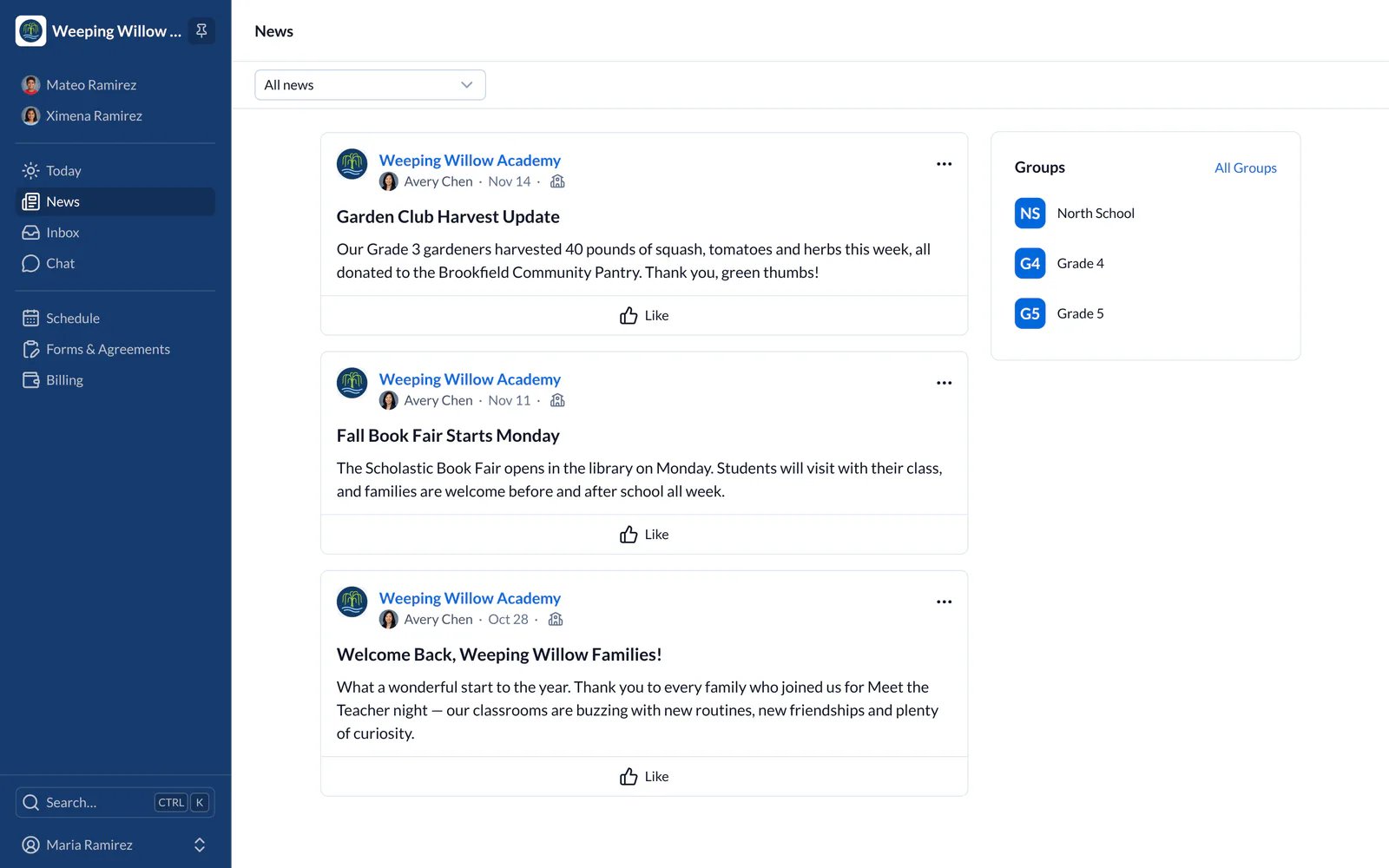
Choose Like under a post, or point at it for more reactions. If the author allows replies, choose Reply in Chat to answer them privately.
For Staff: Post News
- Web
- iPhone and iPad
- In News, choose Post News.
- Add a title, your post and any photos. Only show students whose families have agreed to photos.
- Choose Publish. You can also send it by email or text message.
For Staff: Edit, Pin or Remove a Post
- Web
- iPhone and iPad
Open the post in News to edit, pin or remove it. You can pin up to three posts, and bring back a removed post from News › Posts.