Send a Message
- Web
- iPhone and iPad
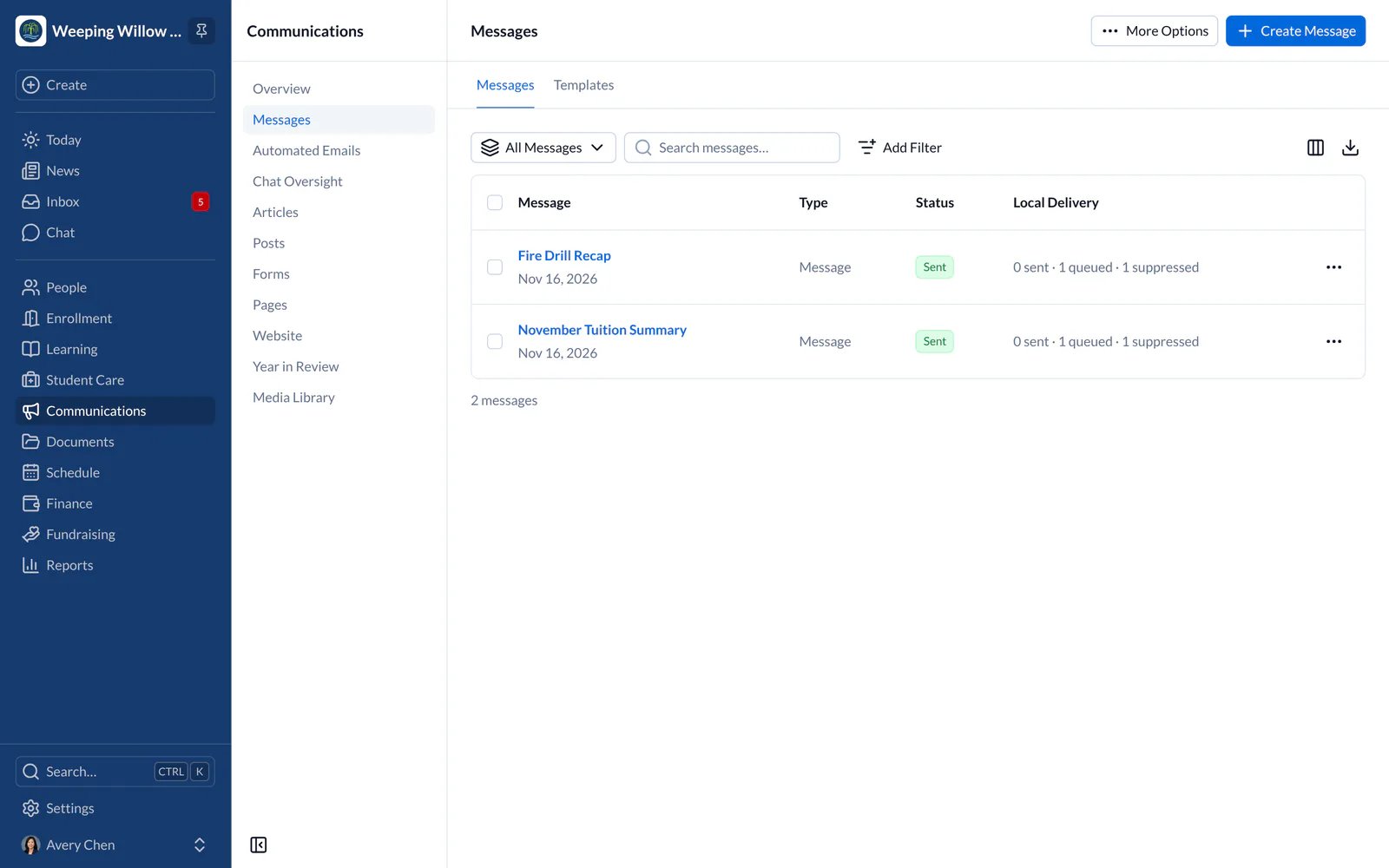
- In Messages, choose Create Message and pick a template or start from scratch.
- Write it. Your draft saves as you go.
- Choose who gets it, such as classes, students or lists.
- Choose email, text message, app notification or all three. It always lands in their Inbox too.
- Choose Send, then send now or schedule it.
See Who Got It
- Web
- iPhone and iPad