

Check Students In and Out
- Web
- iPhone and iPad
- Open Check-In & Check-Out and choose a class.
- Choose Check In or Check Out beside each student.
- When a student leaves, choose who is collecting them from the approved pickup list.
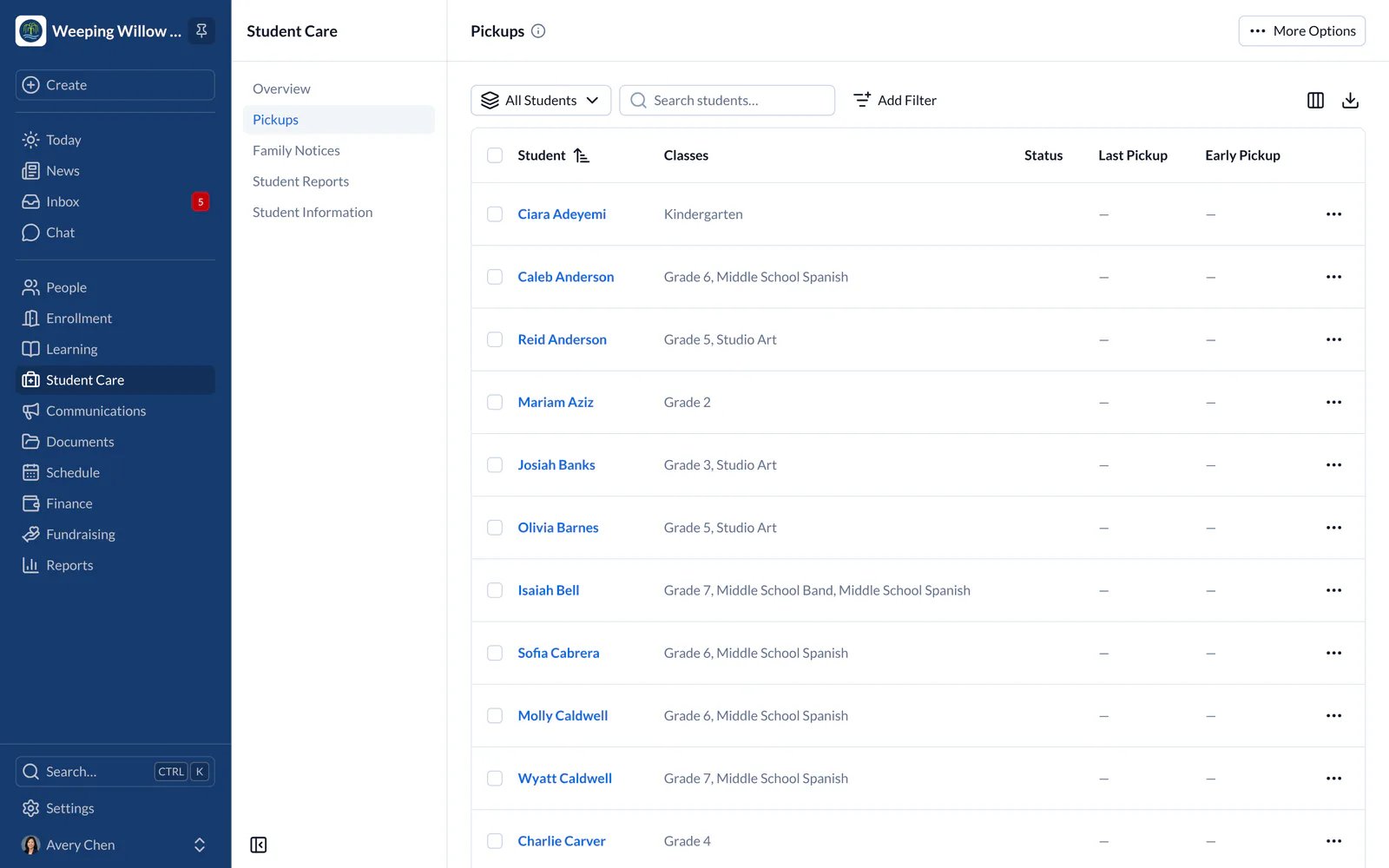
Early Pickups and History
- Web
- iPhone and iPad
Early pickups that families ask for are in Family Notices. Past check-ins are in Check-In & Check-Out History, where you can also fix a mistake.
Take Attendance from Check-Ins
A school administrator can have check-ins mark attendance, so teachers don’t mark the same students again.- Web
- iPhone and iPad
- Open Check-In & Check-Out Settings.
- Under Attendance, turn on Mark attendance when students check in, and choose the codes for an arrival and for an arrival after class starts.
- To mark everyone else absent each day, turn on Mark students who haven’t checked in and choose the time.
Let Families Check In Themselves
- Web
- iPhone and iPad
A school administrator can set up an iPad by the door as a check-in kiosk, in the SchoolCues app on that iPad.